01Looking ahead
You ask
“Orville, what does tomorrow look like?”
Orville
Real voice example
Tomorrow gets really busy between 2:20 and 4:40. Treatments are going to back up around 3:20.
TomorrowPractice load
8 AM12 PM3:20 PM6 PM
Meet Orville
PawthosX OneAsk what tomorrow looks like. Find the best place for an urgent case. Start a note. Catch what is still waiting.
Orville gives PawthosX One a voice so you can interact with the practice around you without continually stopping to operate software.
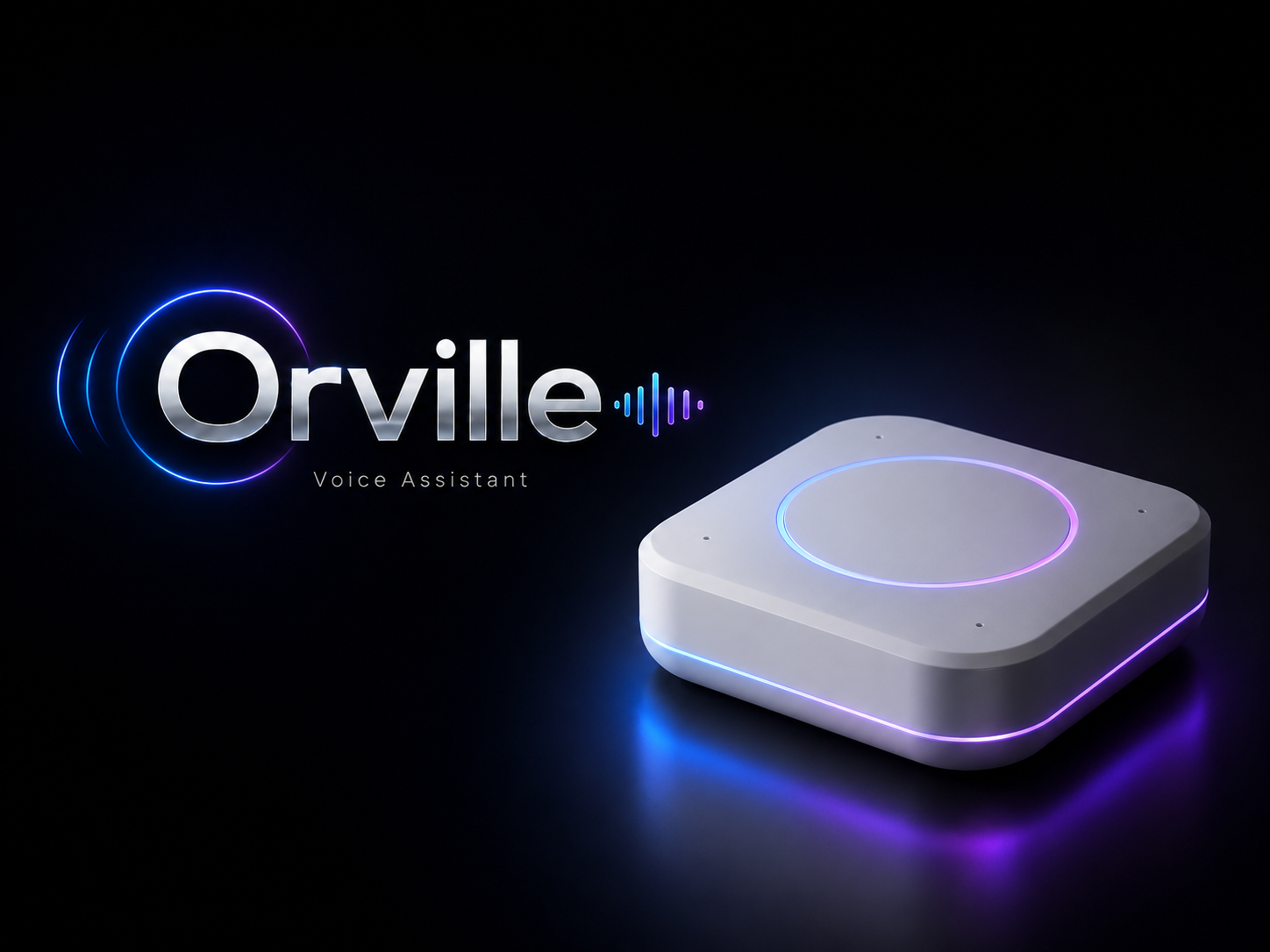
Orville voice endpoint
Ask naturally
No command language to memorise before you can get useful help.
See ahead
Surface pressure in the diary and workflow before it becomes another surprise.
Stay present
Spend less of the appointment turning away from the patient just to operate the system.
Why voice
Find the screen. Open the patient. Choose the module. Enter the question. Go back. Repeat.
Orville changes that relationship. The software can become something you speak to while the work keeps moving.
Hear the interaction
These are real Orville voice examples. No fake chat window. Press play and hear how ordinary practice questions become conversations.
You ask
Orville
Real voice example
Tomorrow gets really busy between 2:20 and 4:40. Treatments are going to back up around 3:20.
You ask
Orville
Real voice example
11:10 AM is your best spot. 2:40 PM is open too, but your treatment room will already be close to capacity.
10:30 AM
Routine visit
11:10 AM
Best place for the case
2:40 PM
Appointment open
You ask
Orville
Real voice example
You still have 2 client callbacks to make, 1 lab result to review, and Max's discharge papers to send.
The useful moment
The interesting part is not another report explaining why yesterday became difficult.
It is seeing enough of the pattern early enough to do something about it.
Tomorrow
Practice pressure
Treatment workload is likely to tighten around 3:20 PM even though the diary still shows appointment availability.
In the room
The point is needing the computer less while you are with the patient.
The interaction begins with the patient already present in the PawthosX One workflow.
Orville
Real voice example
Drafts, suggestions and surfaced context remain part of a human-controlled veterinary workflow.
Across the practice
Ask about tomorrow, available capacity and where pressure may be developing.
Interact with patient context available through PawthosX One without leaving the work in front of you.
Surface callbacks, follow-ups and other work that is still waiting.
Bring relevant client communication and follow-up closer to the workflow that created it.
Use wider operational context to make capacity and workflow signals easier to understand.
Ask what remains for you without manually rebuilding your task list from multiple screens.
Built into PawthosX One
It is designed as an expression of the same operating environment that holds the diary, patient context and practice workflow.
That context is what turns voice from a novelty into something useful.
Explore Artificial Presence
Voice should never be ambiguous
Voice belongs in clinical space only when the practice and people in the room can understand and control its state.
Supported Orville voice endpoints include physical mute capability when the room needs privacy.
Device state is designed to be understandable rather than leaving people guessing whether voice interaction is active.
Orville is designed for practice-controlled clinical and operational use rather than as a consumer advertising environment.
Behind the name
It started because the name felt human, memorable and easy to say in a busy veterinary practice. Then it gained one more connection to home.
Orville FAQ
Orville is the voice and intelligence layer inside PawthosX One. It gives veterinary teams a natural way to interact with the diary, patient information, practice workflow and operational context without continually stopping to operate software.
Orville is designed as part of PawthosX One rather than as a separate chatbot or AI application. It works with context already available inside One so veterinary teams can ask questions and interact with relevant information and workflows using natural language.
Teams can ask about the diary, available capacity, patient information, practice flow, unfinished work, follow-ups, operational pressure and other relevant context available through PawthosX One.
Orville is designed to surface signals from PawthosX One such as schedule pressure, likely workflow bottlenecks and capacity constraints so teams can see potential problems earlier.
No. Orville is designed to reduce clerical friction, make software easier to interact with and surface useful context. Clinical judgement, medical decisions and patient care remain with the veterinary team.
Orville is designed around practice control and clearly understandable device state. Supported voice endpoints include physical mute controls and visible indicators so people in the room can understand when voice interaction is active.
No. Orville is designed as part of the PawthosX One operating environment rather than another application the team has to remember to open and manage.
The name was chosen because it is distinctive, human, memorable and easy to say clearly in a busy veterinary practice. It later gained an additional connection to PawthosX's roots in Indiana and West Lafayette.
Meet Orville
More attention for the room. More context when you need it. Less time translating the practice into software.